Upstream+ now handles large Well Summary reports through a more scalable reporting workflow. Instead of making one request wait for every well, total, hierarchy, and count to be calculated together, the application can divide that work into smaller, focused requests.
The result is a more responsive experience—especially when reviewing All Wells across a large portfolio.
Faster access to the first page of results
Well Summary can now load a manageable page of wells first, so users can begin reviewing results without waiting for the entire filtered portfolio to be assembled in the browser.
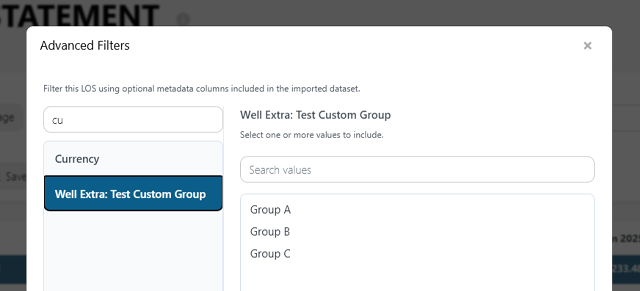
Pagination is performed as part of the reporting workflow, not simply applied after every well has already been loaded. Moving between pages requests the relevant set of wells while preserving the active date range, report mode, property and field selections, and Advanced Filters.
Totals, well counts, and hierarchy work independently
Report-wide totals, the matching well count, and hierarchy data can now be calculated separately from the visible page. Larger calculations are processed through background jobs, allowing the report to keep moving without tying all of its work to a single browser request.
This approach also makes it easier for Upstream+ to reuse completed reporting work when the same report setup is requested again. Cached results are tied to the organization’s current dataset, so a new import naturally moves the report to fresh data.
Full exports still include the full result set
Pagination changes how the report is delivered on screen, but it does not limit a full report export to the page currently visible. When exporting a remotely paginated Well Summary, Upstream+ gathers the matching pages and produces one complete file, including the appropriate total row.
No workflow changes required
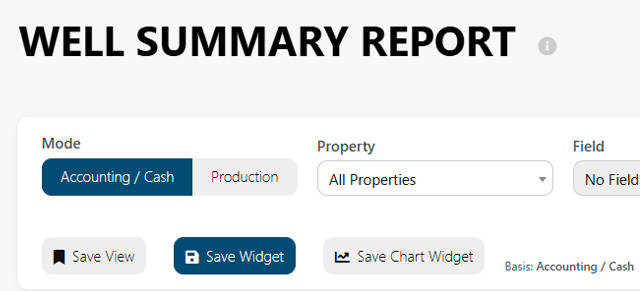
Users can continue opening Well Summary, selecting a mode, applying filters, and moving through the results as usual. The improvement is in how Upstream+ performs the work behind the report.
For a complete guide to the report’s filters, modes, and common workflows, see Well Summary Report.