Upstream+ is designed to help oil and gas teams spend less time preparing data and more time understanding it. Our latest production updates continue that focus with new ways to adapt Upstream+ to your organization’s data, find the information you need faster, and better understand what is happening during large imports.
Bring More of Your Own Data Into Upstream+
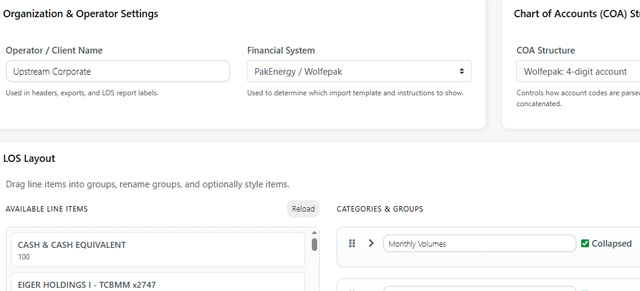
Every operator organizes its properties and accounts a little differently. Upstream+ now provides greater support for Extra User Fields, allowing organizations to bring additional Well and Account metadata from the uploader into the reporting experience.
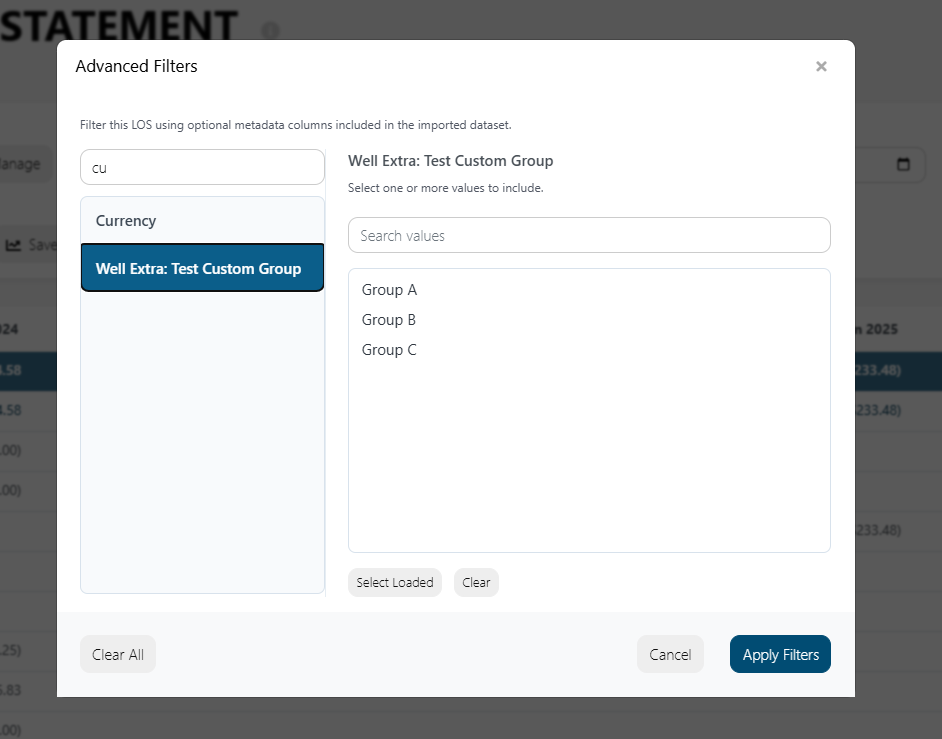
Supported custom fields are detected during import, stored with the appropriate Well or Account record, and made available through Advanced Filters.
That means information specific to your organization can become part of the way you analyze your LOS data, instead of being left behind in a spreadsheet simply because it is not part of a standard field list.
Find the Right Filter Faster
As more metadata becomes available, the number of possible reporting filters naturally grows.
The Advanced Filters window now includes Search Columns, making it much easier to locate the field you want before selecting its values.
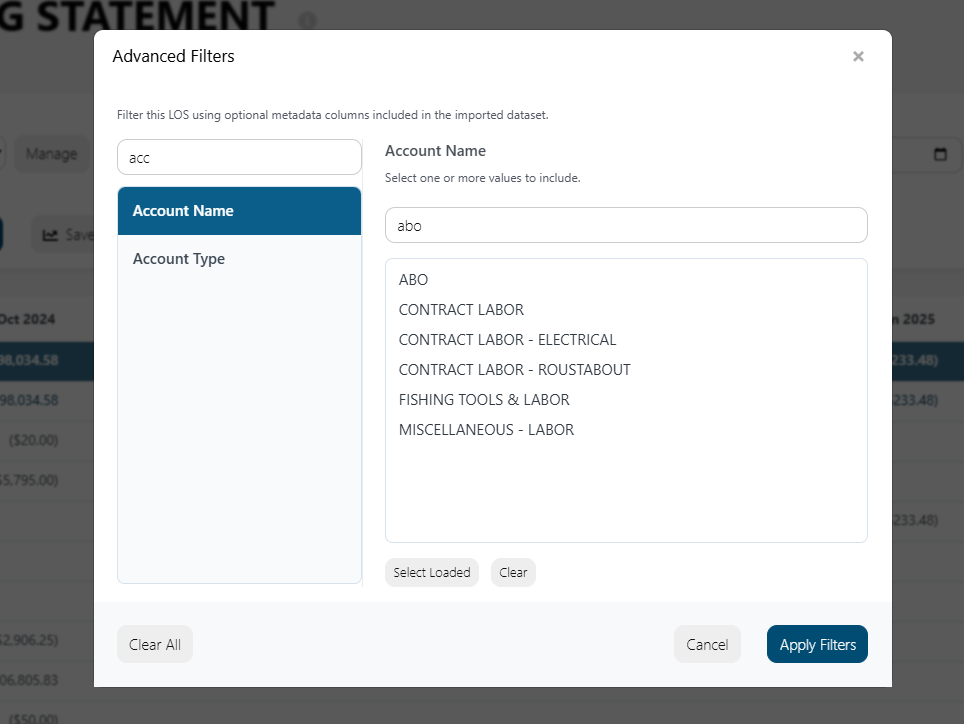
Instead of scrolling through a long list of available dimensions, users can begin typing a field name such as Operator, County, API Number, or another imported field and quickly narrow the list.
The existing value search remains available separately, giving you a faster way to answer both questions: What do I want to filter by, and which values do I want to include?
Better Visibility Into Long Running Imports
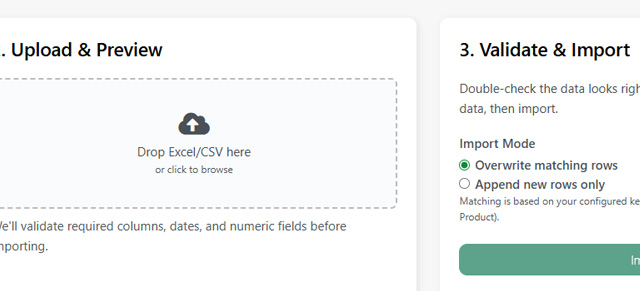
Large accounting workbooks can require significant processing, particularly when Upstream+ is validating and importing hundreds of thousands of records.
Import progress now provides more context about what Upstream+ is doing and includes an Estimated Time Remaining for the current phase when enough information is available to calculate one.
The estimate begins in a calculating state, then adjusts as the application measures actual progress. Because processing speeds can change from one phase to another, the estimate can adjust as the import continues rather than presenting an artificially precise completion time.
Import summaries have also been expanded with clearer start and completion timestamps and total import duration, making it easier to understand how long an import actually required.
The result is a more transparent import process, especially for the large datasets Upstream+ was built to handle.
More Control Over Quorum / ODA Data Hub Imports
Organizations connected directly to Quorum / ODA Data Hub now have more control over what gets brought into Upstream+.
Before starting an import, users can select the Data Hub tables they want to process rather than treating every available dataset as a single all or nothing operation.
Upstream+ also supports table specific choices for whether existing matching records should be updated or whether the import should insert new records only.
These controls make connected imports more deliberate and give administrators greater flexibility when managing Well, Chart of Accounts, AFE, and GL data from Data Hub.
Excel Exports That Behave More Like Accounting Workbooks
We have also improved the way financial values are written to Excel.
Applicable financial cells in Upstream+ exports now use Excel’s native Accounting number format rather than a visually similar custom format.
That distinction matters after the export leaves Upstream+. Financial values remain numeric, so users can continue to sort them, total them, reference them in formulas, and work with them using familiar Excel accounting tools.
It is a small change with a meaningful benefit for teams that use Upstream+ as the starting point for additional financial review and analysis.
Built for Real World Reporting Workflows
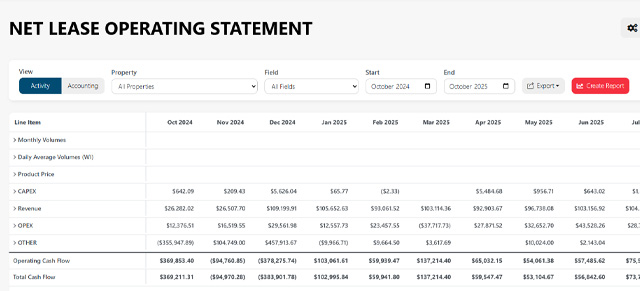
Taken together, these updates make Upstream+ more adaptable as organizations bring in richer data and larger datasets.
Custom metadata can become part of your reporting model. Advanced Filters are easier to navigate. Large imports provide more useful feedback while they run. Connected Quorum / ODA workflows offer more granular control. And exported financial reports are better prepared for continued analysis in Excel.
Each improvement moves Upstream+ closer to the same goal: turning complex upstream accounting data into reporting that is easier to manage, explore, and act on.