Upstream+ offers a lot of access permission customizations. To manage access permissions, you’ll need to go to Administration >> Manage Roles and Edit the Role you want to change permissions for. All users assigned that Role will inherit the changed permissions.
Here’s a quick glossary of the permissions included in the application along with what they do and links to more information about how those features work.
Be sure to click Save Changes at the bottom to commit your updates.
Permissions
Permissions are grouped into four buckets. Here are the permissions available and what they mean in each of these buckets.
Basic Access
- User Can Login: The Role will have the ability to log into to the application.
- Edit Own Profile: The Role will have the ability to edit their own profile.
User Management
- Manage Users: The Role will have the ability to add and edit other users.
- View Usage Report: The Role will have access to see the usage report which shows who logged-in and how many times.
- Edit Other’s Profile: Allows users in this Role to edit the profiles of other users in the application.
Management
- Manage Roles: The Role will have the ability to create and edit Roles.
- Company Setup (Admin Level): Allows users in this Role to edit organization-wide settings originally created during Company Creation.
- Create New Company (Super-Admin Level): Allows this Role to create new organizations.
- Billing Permission: Grants the logged-in user the right to view and update payment information regarding your subscription to Upstream+.
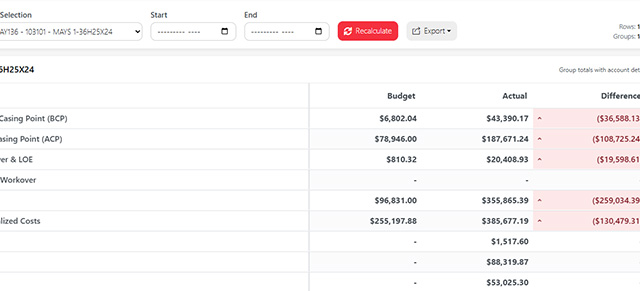
Lease Operating Statements
There are 5 permissions for lease operating statements.
- View LOS: Grants access to view Lease Operating Statements (Basic access)
- Import LOS Property Master Data: Allows this user to import a master list of properties.
- Import LOS Owner Data: Allows the user to import a list of owners of properties.
- LOS Large-file Importer: Grants access for the user to import financial data via our large-file importer
- Delete all LOS data: Super-admin permission which allows this person to wipe ALL data stored for the organization.
- Manage Quorum / ODA Data Hub Connection: Enables access to Quorum/ODA API configuration.
Next up: Single Sign-on
Was this article helpful?
Thanks for your feedback!