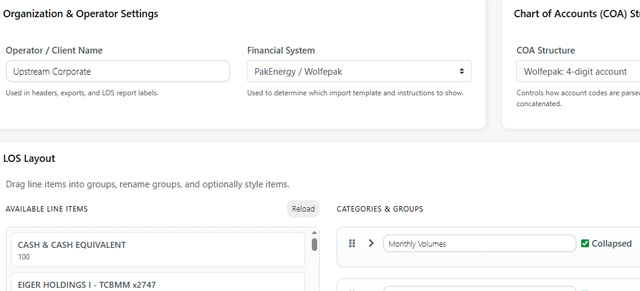
The Company Setup View is to be used by the organization’s administrators and controls the company’s Upstream+ application. To go to the Company Setup View, use the navigation panel and select Administration > Company Settings. On the Company Settings page, the following items can be updated if the user has the correct permissions:
General Information
Once completed, click on Save Changes.
Was this article helpful?
Thanks for your feedback!