Upstream+ has improved the path large files take from the browser to a completed LOS import. These changes are designed for organizations working with substantial accounting and production datasets, where upload and processing time can be a meaningful part of the reporting workflow.
Large files can upload in smaller parts
When a file is large enough to benefit from it, Upstream+ can divide the upload into smaller parts and transfer multiple parts concurrently. Individual parts can be retried without restarting the entire file, and an interrupted upload can be cancelled cleanly.
This makes large uploads more resilient to temporary connection or transfer problems while providing more accurate upload progress.
Import work continues in the background
After upload, the import continues through organization-specific background processing. This keeps long-running work away from normal page requests and helps ensure that one organization’s large import does not compete directly with another organization’s import job.
For Quorum/ODA-connected imports, Upstream+ can also prefetch source pages so processing does not have to wait for every page to be retrieved one at a time.
Clearer progress from upload through completion
The import window now communicates more of the active processing state, including upload progress, row processing, completion, and cancellation. When an import produces a report, the completed workflow provides a clear download action so users can review the results.
The familiar import workflow remains
Users still select a file, review the preview and validation results, choose the appropriate import mode, and start the import. The changes are primarily behind the scenes, improving the way large files are transferred and processed.
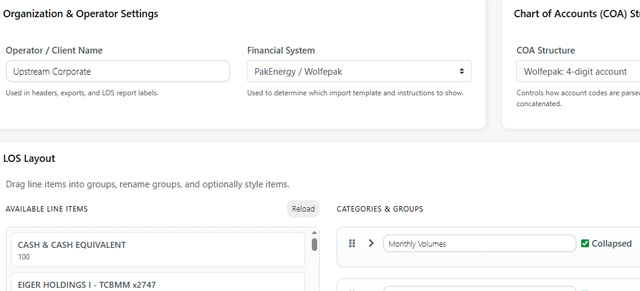
For step-by-step instructions, see Import LOS Data. If your organization uses Quorum/ODA, also review LOS Settings before importing.