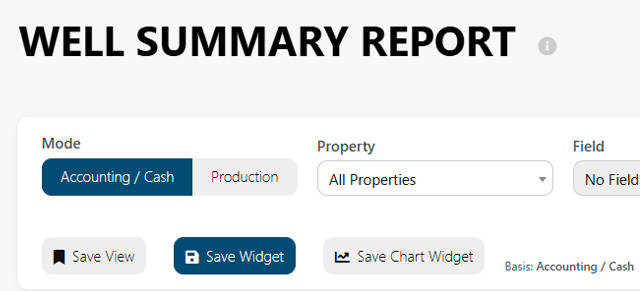
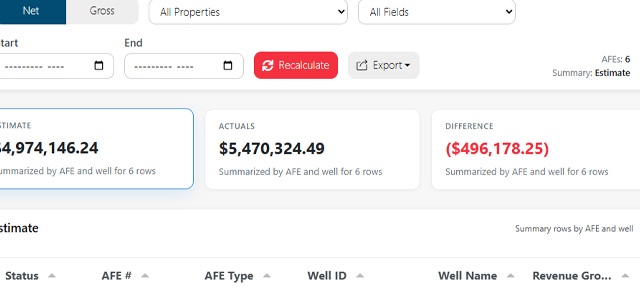
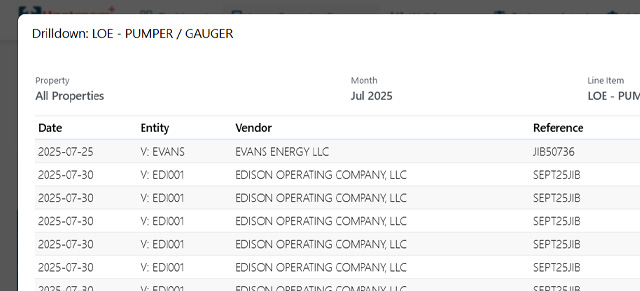
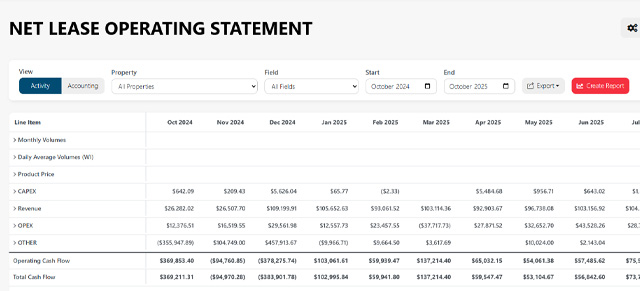
Well Summary now provides clearer reporting choices for financial and production analysis. Users can select the basis that matches the question they are asking instead of treating all well-level results as one type of report.
Choose the right basis for the analysis
The available Well Summary choices now distinguish between:
- Accounting for results organized by accounting or journal period.
- Activity for results organized by the underlying activity or accrual period.
- Production for volume-focused analysis by product and well.
This makes it easier to compare Well Summary with the Lease Operating Statement using the same date basis. When comparing report totals, confirm that both reports use the same property, field, month range, filters, and Activity or Accounting selection.
Your preferred view can be remembered
When browser preference storage is available and accepted, Upstream+ can remember the view a user selected and use it as the starting point on a future visit. This reduces repeated setup for users who primarily work in Accounting or Activity view.
An explicit saved view or shared report setup still takes priority over the general preference. That means a saved report can open with the settings it was designed to use without being overwritten by the user’s everyday default.
Save complete reporting setups for recurring work
A remembered mode is useful for a personal starting point. For monthly reviews, shared analysis, and dashboard reporting, save the full report configuration so the date range, filters, visibility, and other options can be reused together.
Learn more in Well Summary Report and Saved Views, Saved Widgets, and Visibility.