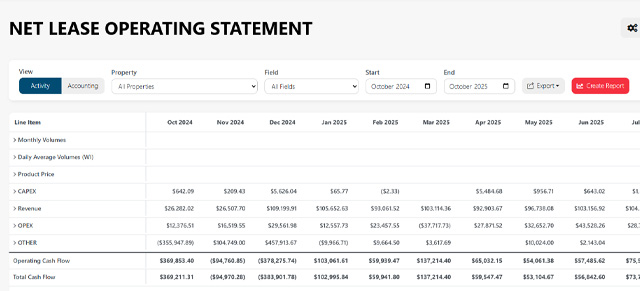
Upstream+ report exports now carry more information about each row’s value type into the finished workbook. That allows Excel to distinguish financial amounts from production quantities instead of applying one number format too broadly.
Production quantities stay numeric
Rows such as Monthly Volumes, Daily Average Volumes, Oil, Gas, Condensate, and NGL now export as plain quantities rather than currency. Financial rows continue to use currency formatting.
This makes exported LOS and Well Summary files easier to read and more useful for downstream analysis.
Zero remains a real number
A value of zero is different from a value that is unavailable. Upstream+ now preserves that distinction in exported workbooks:
- A real zero is exported as a numeric zero.
- An empty or unavailable value is displayed as a dash.
Because zeros remain numeric, they can be used naturally in Excel formulas, sorting, filtering, charts, and pivot tables.
Export formatting follows the report
The export service uses the report’s row types and current view to select an appropriate format for financial amounts, prices, volumes, and averages. This builds on the presentation-ready Excel and PDF exports introduced in July.
Before exporting, confirm the report mode, filters, and date range you want to share. The Lease Operating Statement guide and Well Summary Report guide explain how the current report setup carries into an export.