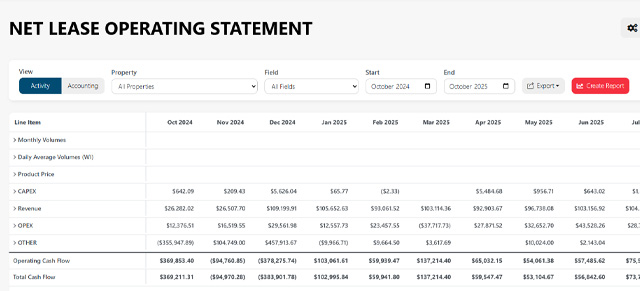
Upstream+ now supports an optional read-only integration with Quorum/ODA Data Hub. The integration gives eligible organizations a more direct path for bringing LOS reporting data into Upstream+ while preserving the manual Excel and template-based import process.
Built for reporting, not write-back
The connection is read-only. Upstream+ retrieves data for reporting and analysis but does not send accounting changes back to Quorum.
Connection settings belong to the organization rather than an individual user. This allows authorized administrators to manage one reporting connection for the organization and gives the organization a shared sync history.
Data is staged before it reaches reports
Connected data moves through a staged workflow:
- Upstream+ retrieves the selected Quorum/ODA data.
- Source rows are stored in staging.
- The data is normalized and validated.
- Valid rows move through the existing LOS append/import process.
- Sync and import results remain available for review.
Staging creates a clear separation between retrieved source data and the final reporting tables. It also supports row-level validation and duplicate detection before data is added to LOS reports.
Manual ODA imports remain available
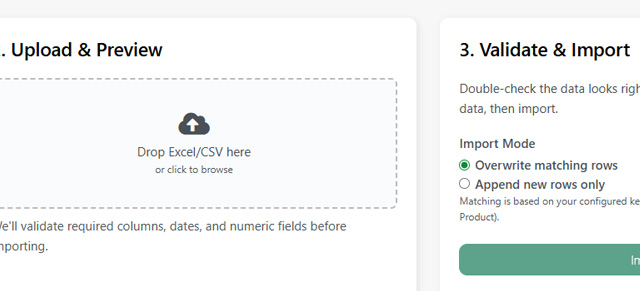
The connected workflow supplements the current upload workflow; it does not replace it. Organizations configured for Quorum/ODA can continue downloading the appropriate template and manually importing files whenever that is the better fit.
Designed for future data connections
The underlying integration framework tracks sources, organization connections, sync runs, field mappings, staging rows, and import exceptions. That foundation allows Upstream+ to add other optional read-only reporting sources over time without creating a separate reporting system for each provider.
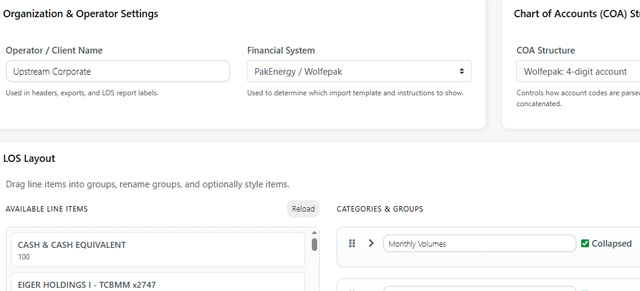
Availability depends on your organization’s Quorum/ODA configuration and connection credentials. Administrators should begin with LOS Settings, then review the standard Import LOS Data workflow.