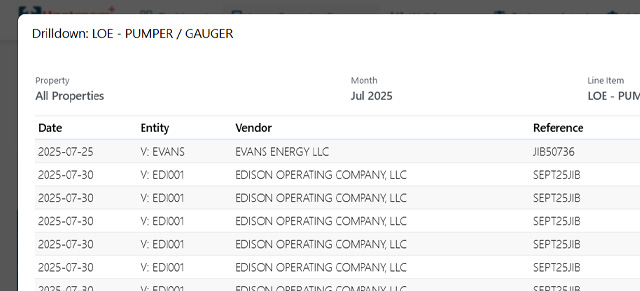
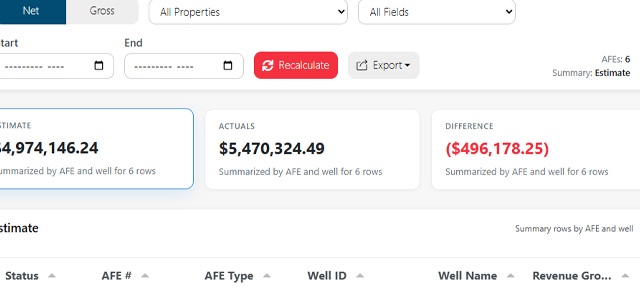
This article shows how to download LOS data and the transaction ledger for audit or local analysis. You can export the same LOS view you see on screen (summary grid) or a full workbook that includes a detailed ledger and metadata.
Steps
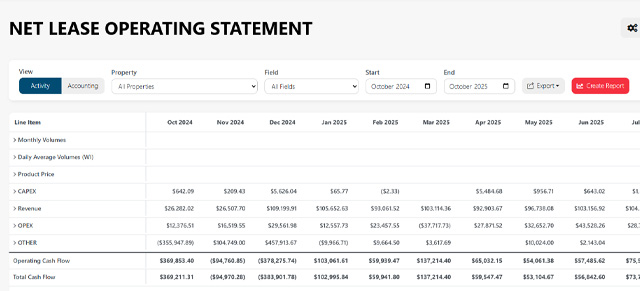
- Sign in to the Upstream+ and open Lease Operating Statement → Budget vs Actual (or LOS Main View) from the nav.
- Apply your filters (Property, Field, Start/End month, View = Net/Gross). Wait until the table is populated.
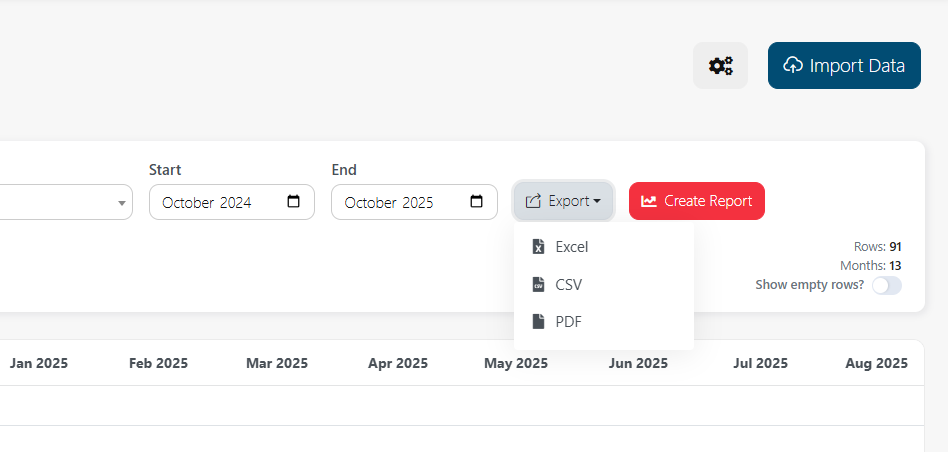
- In the top-right toolbar, click Export and choose the format:
- Excel (XLSX) — full workbook with multiple sheets (Summary, Ledger, Metadata).
- CSV — flat export of the current grid.
- PDF — print-friendly summary only.
Was this article helpful?
Thanks for your feedback!